Your data stays yours
Each company gets its own isolated workspace. People sign in with workspace ID, email and password, then a two-factor code if enabled. Every change is recorded with who did it and when.
Isolated workspaces
Each company has its own workspace and workspace ID. Data, files and images never cross between workspaces.
Two-factor sign-in
Authenticator-app codes (TOTP) with recovery codes for every user. Owners can reset a member's two-factor if a phone is lost.
Wrong-attempt lockouts
Five wrong passwords or codes within 15 minutes lock that sign-in for 15 minutes; repeated attempts from one address are blocked too.
Strong accounts
Real, deliverable email addresses only; passwords need 10+ characters with upper and lower case, a number and a symbol.
Private files
Photos and documents are served only through the app after checking the workspace and the person's permissions.
Session control
Changing a password or removing someone signs them out everywhere. Agent keys are per computer and can be revoked at any time.
Full audit trail
Every change in the workspace is recorded with who did it and when; asset history is kept for the life of the asset.
Agents collect specs only
No usage monitoring: the agent reports hardware, OS, network and installed software, never screens, files, browsing or keystrokes.
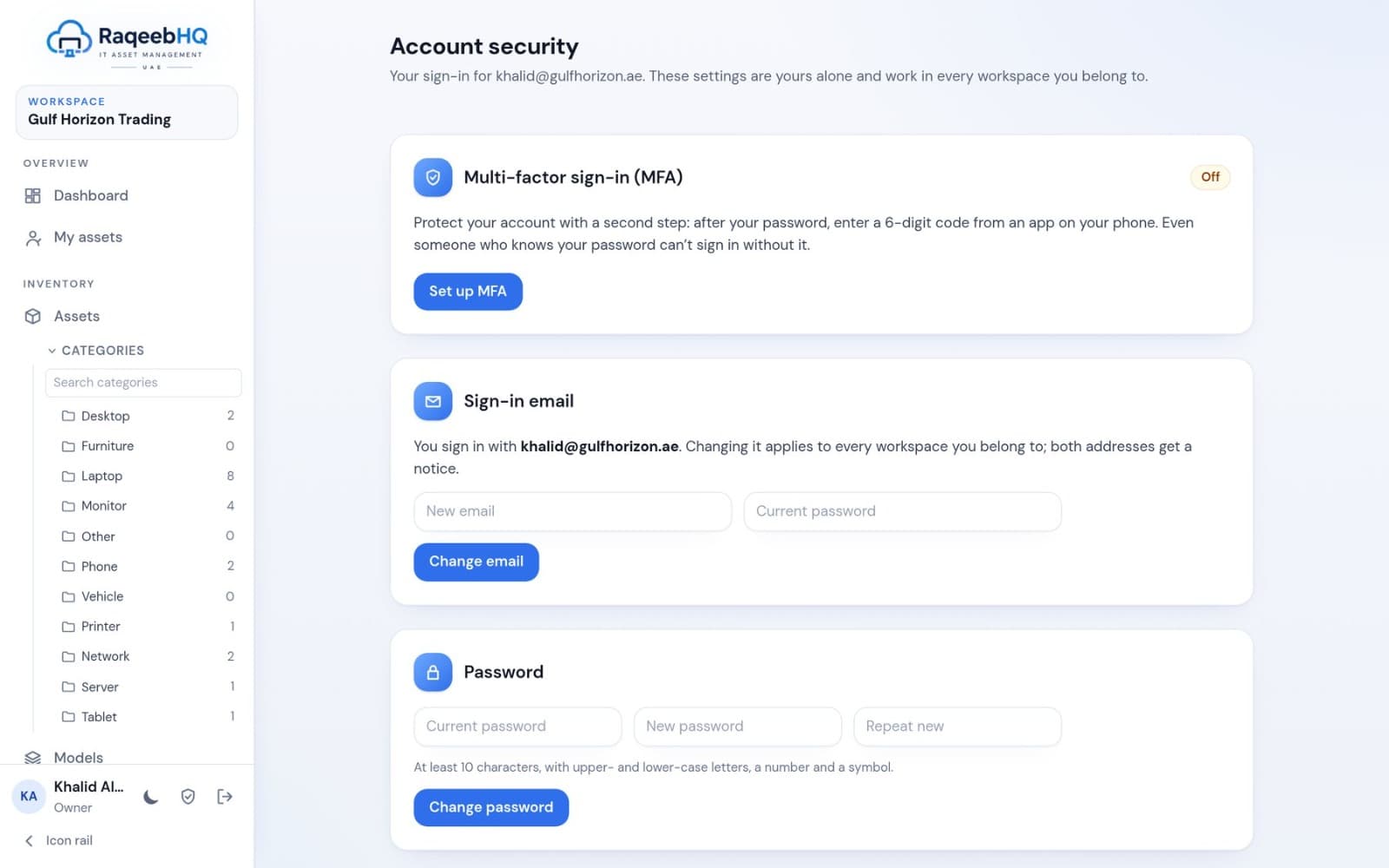
Every person manages their own sign-in
Authenticator-app codes (TOTP) with recovery codes for every user. Passwords need 10+ characters with upper and lower case, a number and a symbol. Changing a password signs you out everywhere.
The right access for every person
| Owner | Everything, including billing and ownership |
|---|---|
| Admin | Manage assets, people and settings |
| Manager | Day-to-day asset work and approvals |
| Auditor | Read everything, run reports |
| Read-only | View the register |
| Employee | Own items, receipts and requests |
Groups add fine-grained permissions on top of roles, for example who may dispose of assets or manage agents.
Getting people in
- Email invitations with a secure link, or add people directly
- CSV import of users with departments
- Record-only people for desks, rooms and contractors
- Owners can change a member's sign-in email and reset two-factor
- Each person can change their own email and password in Account security
Notifications through your own mail server
Each workspace chooses which changes to be emailed about and how often. Emails go out through the workspace's own mail server: Microsoft 365, Google Workspace or any SMTP server, including company servers with internal certificates.
See your estate clearly, starting today.
Start a 30-day free trial on Starter with no card, install the agent on a few computers and watch your register fill itself.